How It Works
Make an Appointment
Before your visit, schedule a session on the NPL website. When you make your appointment, please share a little bit about the memories we’re helping you preserve. Whether it’s home movies, family photos, or old recordings, we’d love to hear the story behind what you’re bringing in.
Watch the Tutorial Videos
If this is your first time to the Memory Lab, please review these brief instructional videos before arriving. These videos are designed to help you feel comfortable before you arrive. If you’re still feeling hesitant after watching those videos, reach out! We’re happy to make arrangements for a little extra help.
Gather Your Materials
You will need a way to store the digital materials, whether that is a flash drive (required for video digitization), an external hard drive, or a cloud storage solution. Get the materials you need to preserve together. That’s it, you’re all set!
Check In at the Desk
At your appointment time, check in at the front desk. We’ll confirm what you’re digitizing and make sure you have everything you need before heading into the lab.
Start Digitizing
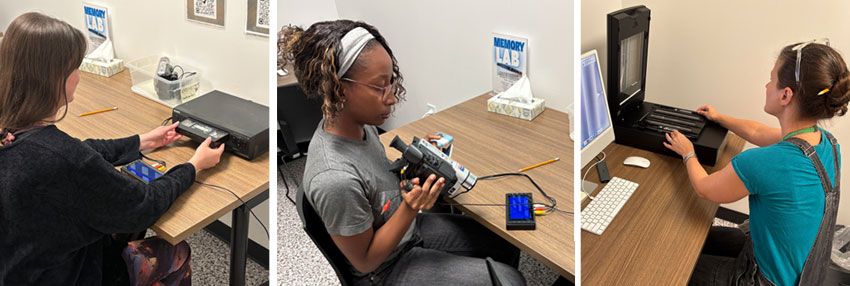
Once you’re inside, you can get right to work. The equipment is easy to use, and the space is set up for hands‑on, self‑guided digitizing. Whether you’re capturing video, or scanning images, your journey to recapturing those memories starts right then.